You have seen the question bank, you like the per-class pricing, and now you need to get it approved and in front of students. This checklist walks through the whole process for the PAtopia Program License, from the first faculty preview to students logging in.
Step 1: Evaluate it with your faculty
- Email info@cmereviewcourses.com to request faculty preview access.
- Have a didactic faculty member and a clinical coordinator each work through a few exams, paying attention to question style and the quality of the rationales.
- Share the free sample quiz and library preview with anyone else on the decision, such as your curriculum committee or a student representative.
Step 2: Confirm what your cohort gets
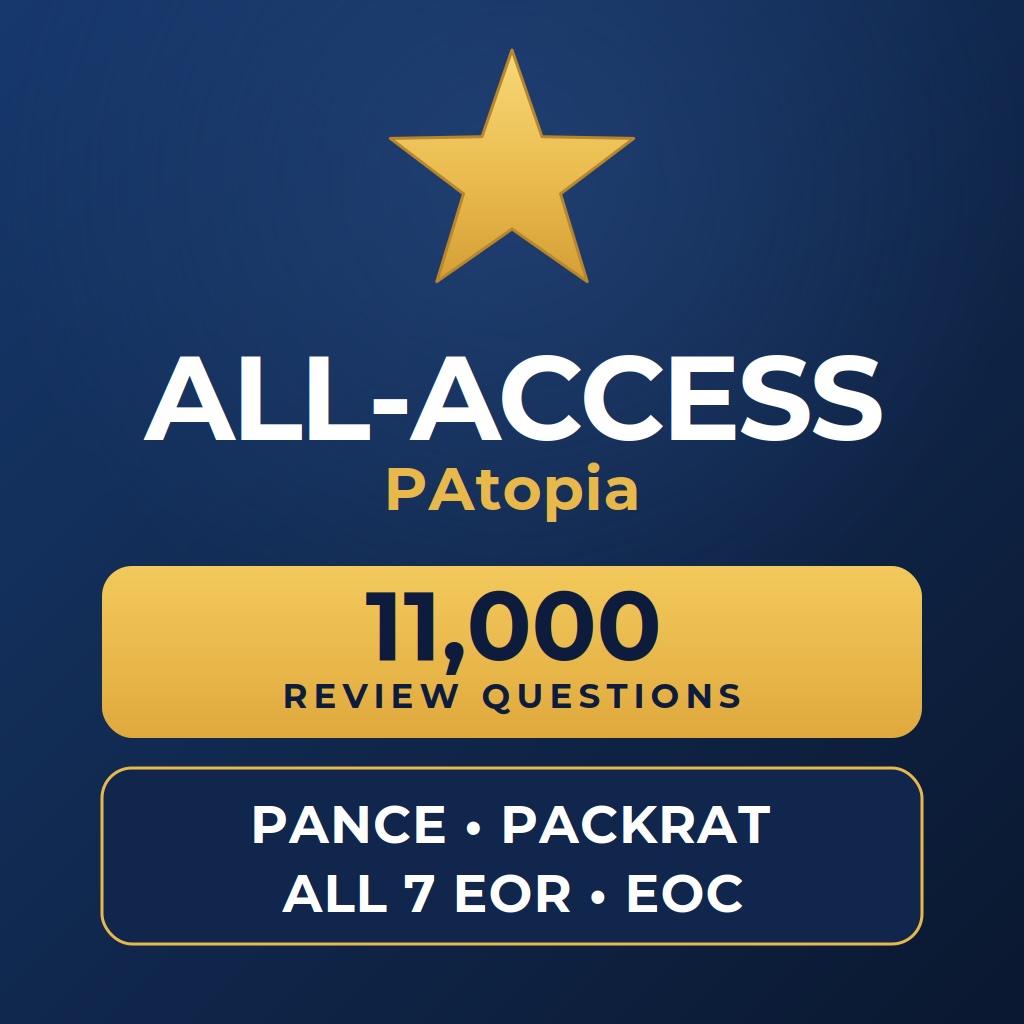
Every student on the license receives full PAtopia All-Access for 27 months:
- 15 full-length PANCE practice exams (4,500 questions)
- 35 full-length End of Rotation exams across all seven core rotations
- 5 full-length PACKRAT exams and 5 full-length End of Curriculum exams
- More than 11,000 questions and 60 full-length exams in total, each with rationales and references
- Browser-based access on any device, including phones
Step 3: Choose your tier
Pick the tier that matches the number of students in the matriculating cohort:
| Class size | Price per class (27 months) |
|---|---|
| Up to 40 students | $3,750 |
| 41–60 students | $6,000 |
| 61–85 students | $8,750 |
| 86+ students | $12,500 |
One license covers one cohort. Each incoming class is licensed separately, so every class gets a full 27-month term.
Step 4: Decide how to pay
- Online checkout. Select your class size on the product page and pay by card.
- Purchase order or invoice. If your institution requires a PO or direct invoicing, email info@cmereviewcourses.com or call (419) 203-8154 and we will set it up.
Step 5: Send your class roster
After purchase, email your class roster to info@cmereviewcourses.com. Include each student’s name and the email address they should use to log in.
Step 6: Students get their named logins
Each student receives an individual login tied to their name. Logins are not shared codes, so access stays with your cohort. Students can start right away in the browser on a laptop, tablet or phone.
Step 7: Build it into your curriculum
Decide where practice exams fit: a PACKRAT practice exam at the end of didactics, EOR practice exams at the start of each rotation, and PANCE practice exams in the final months. Our earlier posts on the 27-month curriculum fit and using practice exams as an early-warning system have ready-made checkpoint plans.
Questions before you start?
Email info@cmereviewcourses.com or call (419) 203-8154. We are happy to talk through timing, procurement or anything else your program needs.
Ready when you are. Get the PAtopia Program License.
PAtopia is an independent exam-preparation resource and is not affiliated with or endorsed by the NCCPA or PAEA.